
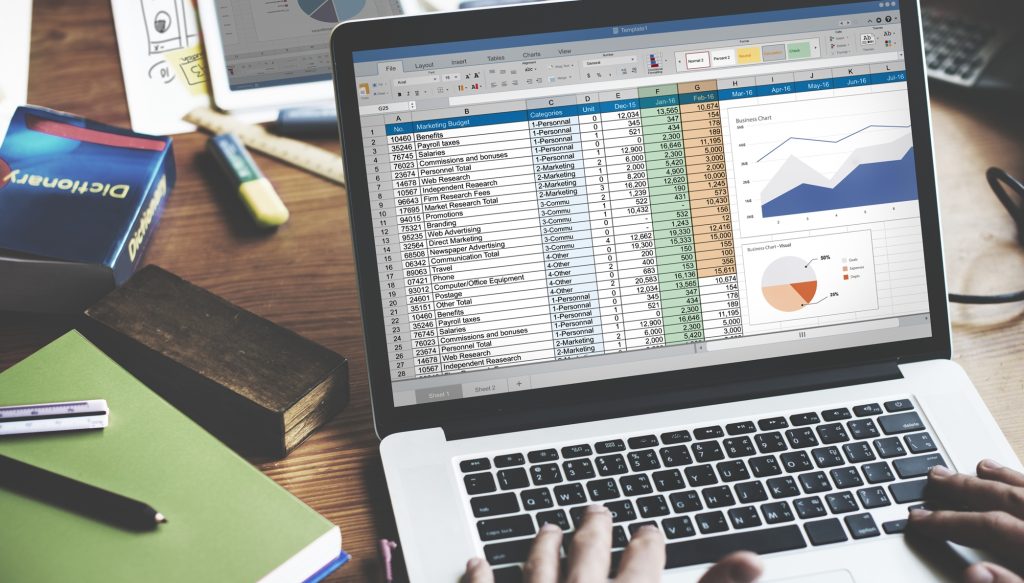
Welcome to the Intermediate Excel Training Program. This course is designed to help you strengthen your Microsoft Excel skills and learn practical techniques used in professional environments for data analysis, reporting, and decision-making.
To ensure consistent, high-quality learning, all our training sessions are delivered using pre-designed templates and guided exercises. These templates allow you to follow the instructor step-by-step while working on real datasets, helping you gain hands-on experience rather than just watching demonstrations.
For you to get the maximum value from this training, it is important that you actively participate during each lesson. At the beginning of every lesson page, you will find downloadable template files and reference PDFs. These materials are essential for completing the exercises demonstrated by the instructor.
We strongly recommend that you:
-
Download the template files before starting each lesson.
-
Work on the files as the instructor demonstrates each step.
-
Use the provided PDF files as a reference for the expected final output.
-
Complete each session sequentially, since every session builds on the work done in the previous one.
This structured approach will help you practice key Excel functions, formatting techniques, data cleaning methods, logical functions, lookup tools, and data visualization techniques used in modern business environments.
By the end of this training, you will have developed the confidence and practical skills needed to efficiently organize data, perform analysis, and create clear and insightful reports using Excel.
Let’s get started and begin building your Excel mastery step by step. 📊
